Cinematographer
Plan the coverage, the camera and the light before the shoot day.
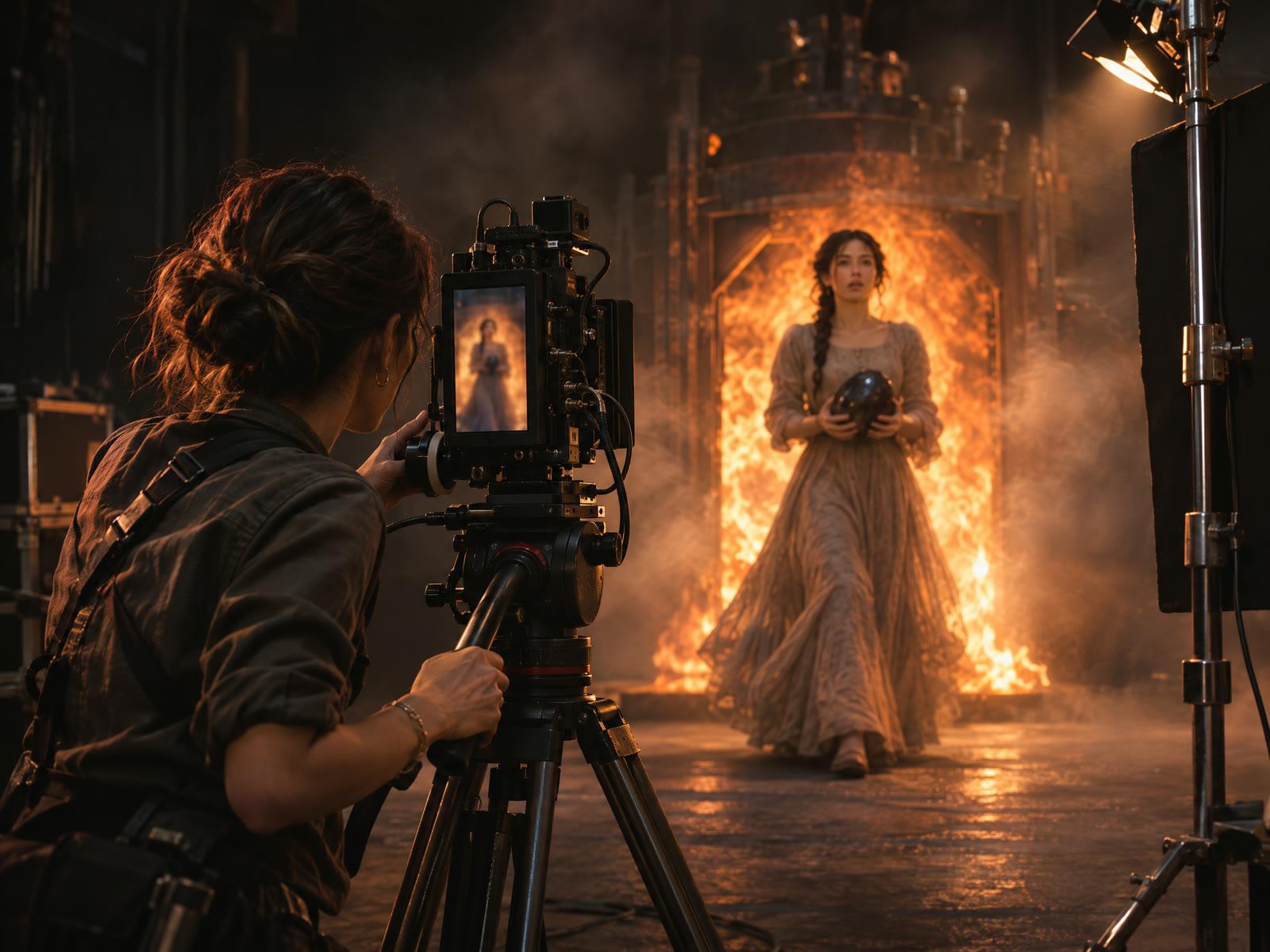
Translate the director’s intent into framing, movement and lighting. Compare boards and stage shots with the same references the crew will use.
What gets in the way
Coverage is decided on the day
Without boards, the wide, the close-up and the insert are worked out on set, with the crew waiting.
The look changes from shot to shot
A generated close-up doesn’t match the wide before it: different face, different light, a different room.
Notes get lost between departments
Lens, movement and lighting choices live in a message thread, not with the shot they belong to.
How you work in Cinerama
Each stage does one job and hands its work to the next, so your part of the episode arrives with everything it needs.
- CineBoardStoryboard
Compare the coverage
Board the scene and try each framing side by side. Keep the shots that carry the beat and check screen direction in the animatic.
- CineStagingStage
Set lens, movement and light
Stage each selected board with the scene’s references, then fix the angle, lens, move and lighting on the frame itself.
- CineShootShoot
Give the crew a shoot pack
Live shots go out as a shot list with your framing and lighting notes. Generated shots go to the render queue with the same direction.
What changes
The scene keeps its geography
Characters hold their side of frame and a reverse angle shows the same room, because every shot is planned from one scene.
One look, live and generated
The same references and lighting notes drive the camera crew and the render queue, so the two kinds of footage cut together.
Your direction stays on the shot
Lens, movement and light are recorded on the shot and travel with it to the shoot and the edit.
The plan that fits
Studio$39 a month · per seat
Coverage, staging and the shoot span three stages. Studio opens all nine and adds a second seat, with more credits and storage.
Questions
Does Cinerama choose the shots for me?
It can suggest coverage a scene is missing, and you decide. Nothing goes to staging until you select it.
Can I use it on a fully live production?
Yes. Mark every shot live and use the boards, staged frames and shoot packs as your prep.
Start with one stage.
Free for your first series.
All nine stages are open on Free for the first season of one series, up to three episodes.