A board for every shot
Each shot in the breakdown gets a storyboard frame drawn for a vertical screen. Read the whole scene as a sequence before anything expensive is made.
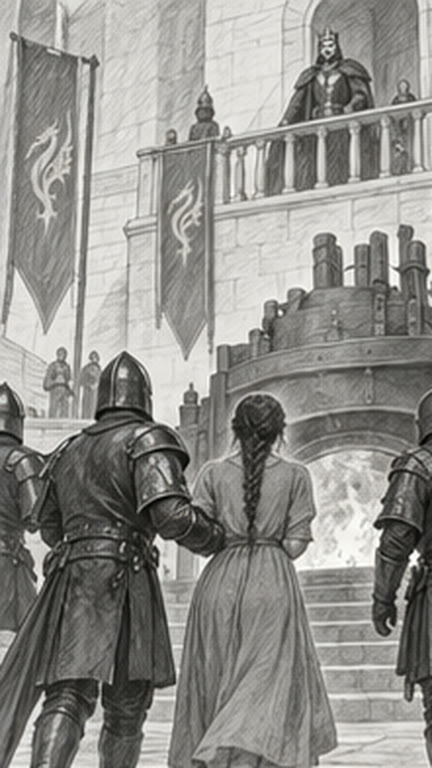 2A · Wide
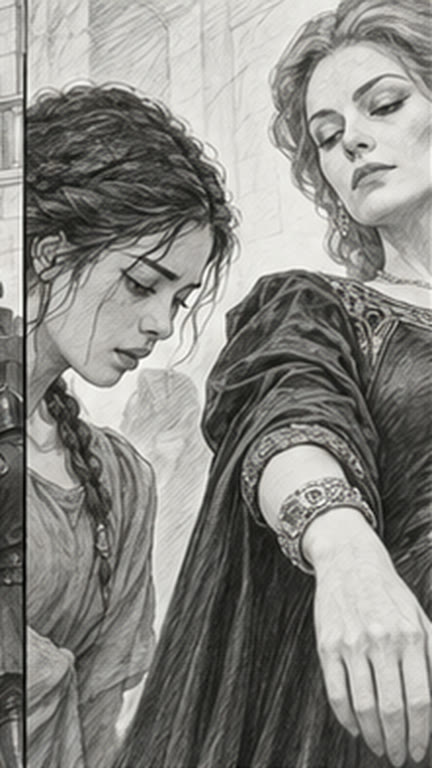 2B · Two shot
 2D · Close-up
Find the shot before you render it.
Turn a scene into a shot sequence. Explore coverage, compare storyboard frames and take your selected boards into staging.

Each shot in the breakdown gets a storyboard frame drawn for a vertical screen. Read the whole scene as a sequence before anything expensive is made.
2A · Wide2B · Two shot2D · Close-upTry the wide, the close-up and the insert side by side and keep the framing that tells the beat. A retake costs a fraction of a cent, so the fourth idea is as cheap as the first.
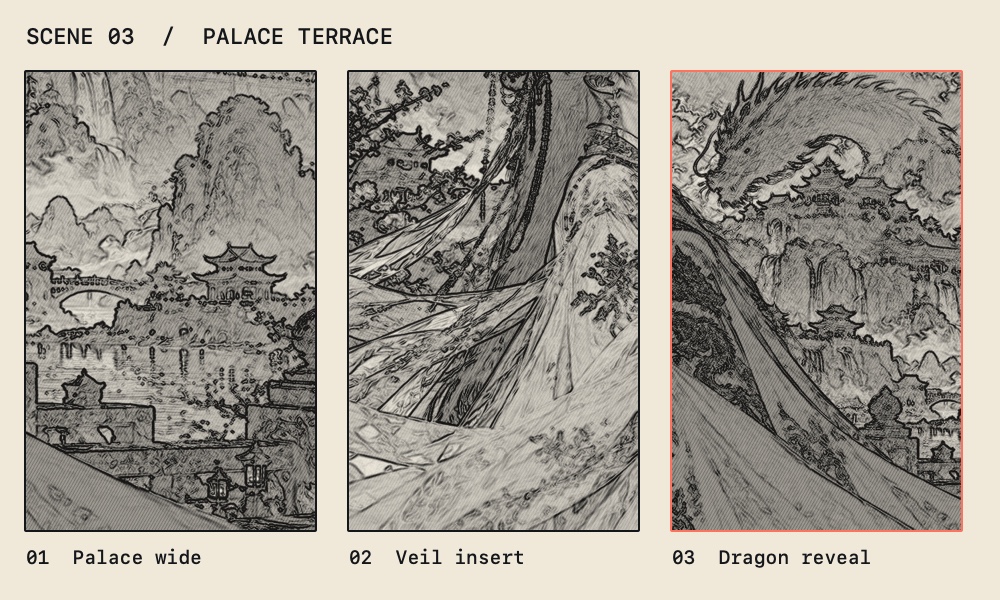
Play the selected boards as an animatic to check rhythm and screen direction. Only the boards you select go on to staging.
Scene 02 · Selected boards
Concept panels with sample projects. Layouts in the studio may differ.
Start with the script breakdown and plan the shots that make each beat readable on a vertical screen.
Try a wide, close-up or insert before deciding which framing serves the scene.
Carry forward the approved compositions, shot order and references.
What you get A selected storyboard sequence with shot notes.
Built into the stage, with nothing to connect.
Nine stages, one episode. CineBoard works on its own, and it also picks up what the stage before it made.
Optional, and paid in Cinerama Credits, which come with every paid plan. CineBoard works by hand without them.
A board costs 2 credits. RAMA-1, Cinerama’s own storyboard model, is coming soon.
You see the price before each spend. Every model and price
Today the image models connected to the studio draw each shot you specify. RAMA-1.0, Cinerama’s own storyboard model that draws in one graphite style, is coming soon. Either way the Director plans the coverage and keeps the geography of the scene.
Yes. Every Cine stage works on its own, on Free for one series, and on every paid plan, where all nine stages are open.
Yes. Free includes all nine stages on the first season of one series, up to three episodes, for as long as you like, with 100 starter credits to try every model.
Yes, on every paid plan. Connect your own key for any model or provider; that work is billed by them and uses no Cinerama Credits.