A preset for each place it will play
Choose where the episode is going, a drama platform or a social feed, and the export is set up for it: vertical, the right resolution, captions the way that channel wants them.
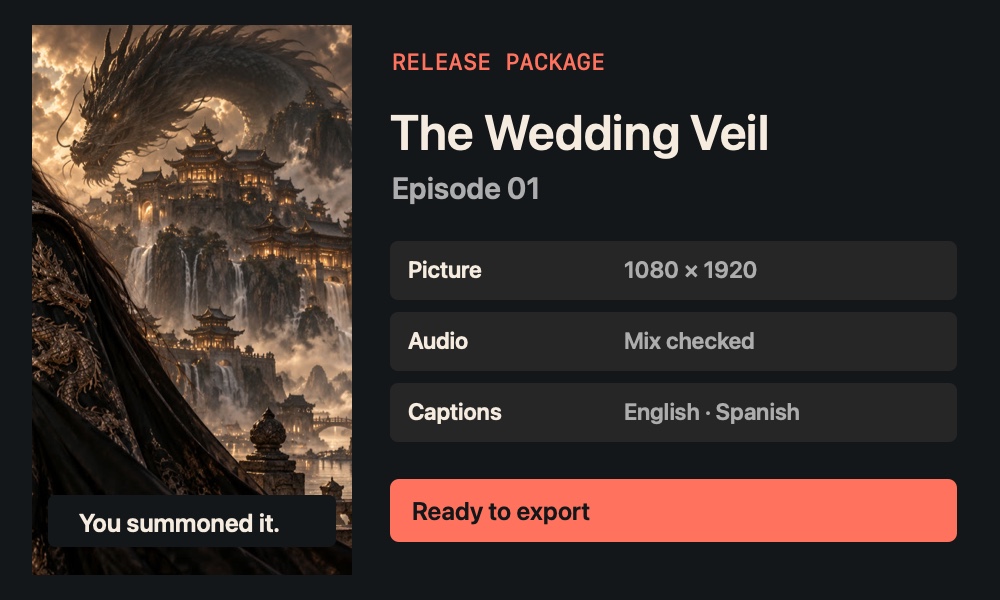
Send out an episode ready for release.
Check the final picture, audio and captions, then prepare the files your distribution channels need.

Choose where the episode is going, a drama platform or a social feed, and the export is set up for it: vertical, the right resolution, captions the way that channel wants them.
Picture, sound levels and captions are checked against the preset. A problem shows up here, before a platform rejects the file.
Delivery check · Episode 01
Export the season as a set: one package per episode and language, with a post kit for the channels you release on.
 Episode 01
 Episode 02
 Episode 03
Concept panels with sample projects. Layouts in the studio may differ.
Prepare the episode for a vertical drama platform or social channel.
Review resolution, audio levels and captions before export.
Prepare the video and the associated caption files for handoff.
What you get An export package with episode video and captions.
Built into the stage, with nothing to connect.
Nine stages, one episode. CinePublish works on its own, and it also picks up what the stage before it made.
Optional, and paid in Cinerama Credits, which come with every paid plan. CinePublish works by hand without them.
Delivery checks and exports carry no generation charge.
You see the price before each spend. Every model and price
Not yet. Today it prepares and checks the files and you upload them. Publishing directly to YouTube, TikTok and Reels is planned.
Yes. Every Cine stage works on its own, on Free for one series, and on every paid plan, where all nine stages are open.
Yes. Free includes all nine stages on the first season of one series, up to three episodes, for as long as you like, with 100 starter credits to try every model.
Yes, on every paid plan. Connect your own key for any model or provider; that work is billed by them and uses no Cinerama Credits.