RAMA-1.0
Pre-visualise the entire episode at low cost.
Make better decisions early.
Explore the framing, blocking and coverage before production begins. A storyboard model for finding the scene, without paying for finished video every time.
Explore the storyboards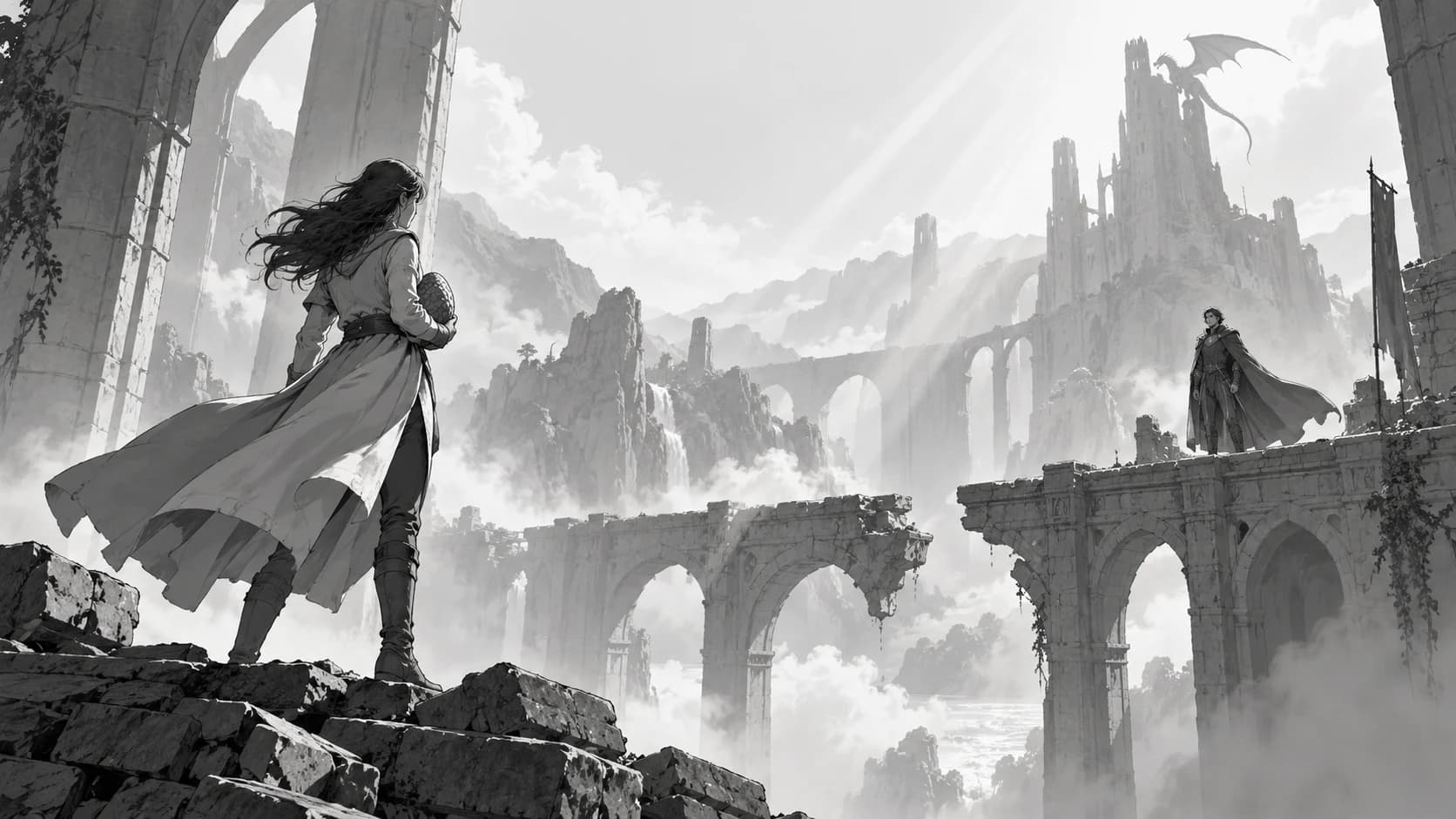
Find the coverage
Think in scenes.
Not single images.
A wide gives us the world. A medium reveals the action. A close-up changes what we feel. Explore the sequence while the decisions are still easy to change.
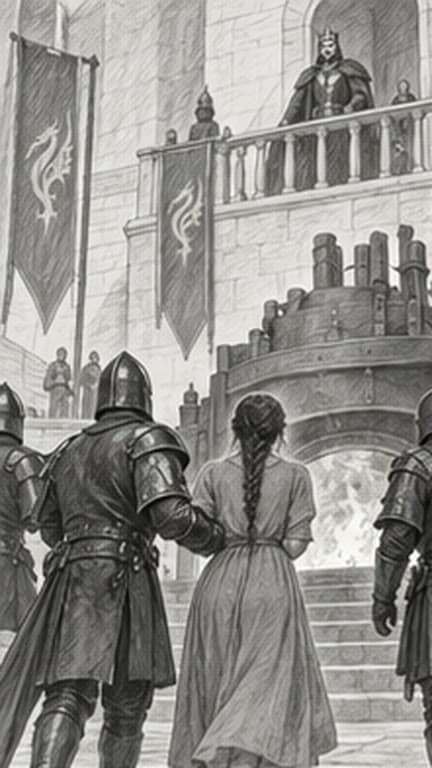 01 / Wide
Establish the world
Where are we? Who is here? Give the scene its geography.
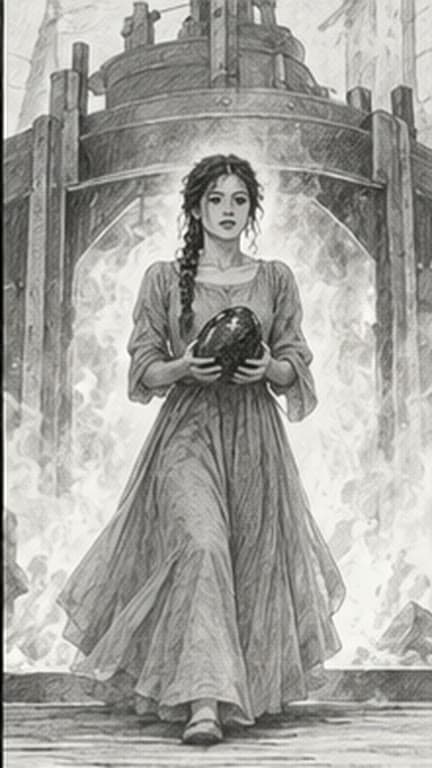 02 / Medium
Find the action
Place the characters. Read the gesture. Decide what matters.
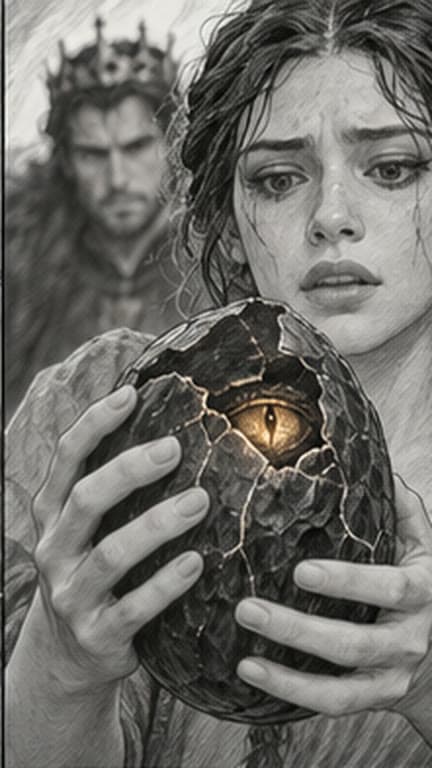 03 / Close-up
Choose the detail
Move closer when the story needs it. Build the moment the cut lands on.
Illustrative storyboard studies. Visual examples show the intended creative workflow.
The Director plans. RAMA draws.
A sense of place.
From shot to shot.
Characters shouldn’t swap sides when the camera moves. A reverse angle shouldn’t invent a different room. Cinerama’s Director holds the scene’s geography and plans the coverage. RAMA draws each shot to that plan.
Change the camera. Keep the scene.
Establish the distance between both characters and the doorway. Give the viewer a map of the scene.
Interactive diagram. It illustrates how the Director plans a scene’s coverage; it is not a model output.Who stands where, what they face, and how they relate to the set.
Believable look directions and coverage that respects the action axis.
The same geography carried through a wide, a close-up and a reverse.
The film grammar lives in the Director, Cinerama’s production knowledge. RAMA is the storyboard model: it draws each planned shot quickly and cheaply, in one graphite style.
The board is the beginning
Choose the shot.
Then make it.
Keep the approved direction attached to the shot as it moves into staging and production. Spend on the ideas you choose to take forward.
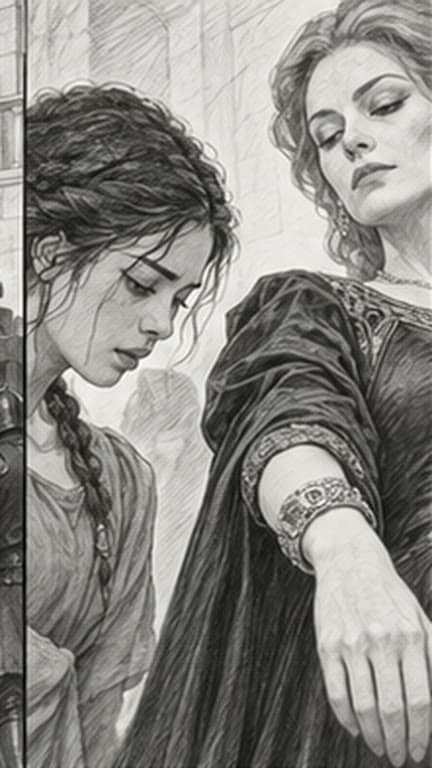
Explore
Find the composition.
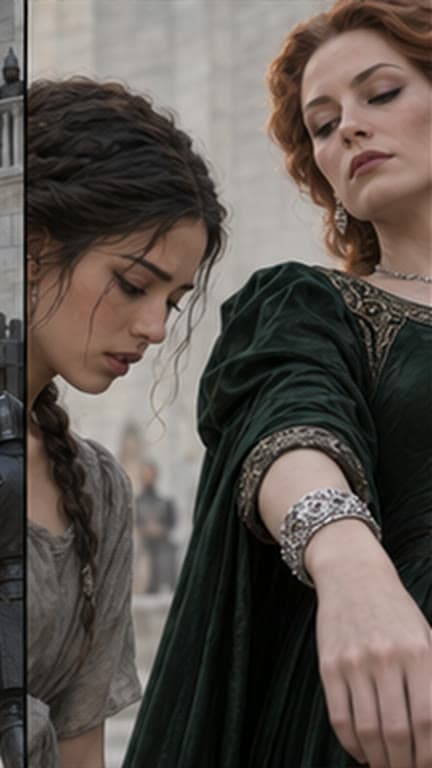
Refine
Shape the look.
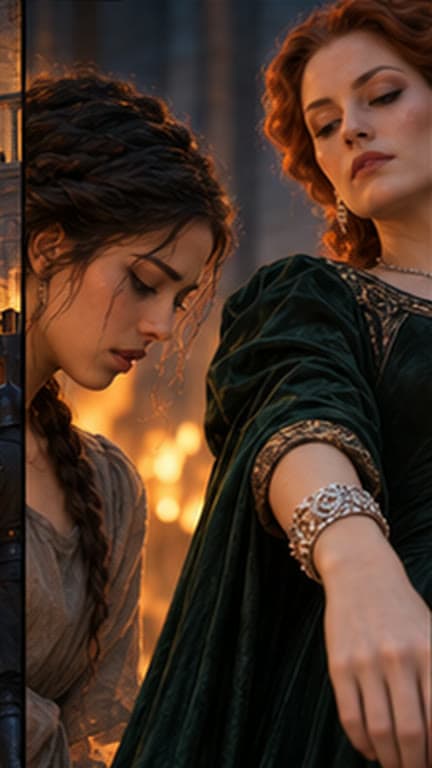
Produce
Render the chosen take.
Room to explore
Try another angle.
And another.
Small storyboard frames. Big creative decisions. RAMA is in training; until it serves, the studio draws boards on its built-in image model at this price.
Cinerama Credits, one US cent each
- Portrait
- 432 × 768
- Landscape
- 768 × 432
- Visual language
- Graphite / clear blocking
- Access
- Coming soon
Your next episode starts on the board
Make the decisions.
Before the production.
Bring your script. Explore the coverage. See how RAMA fits into Cinerama’s production workflow.
Request a demo